Start with a clean canvas
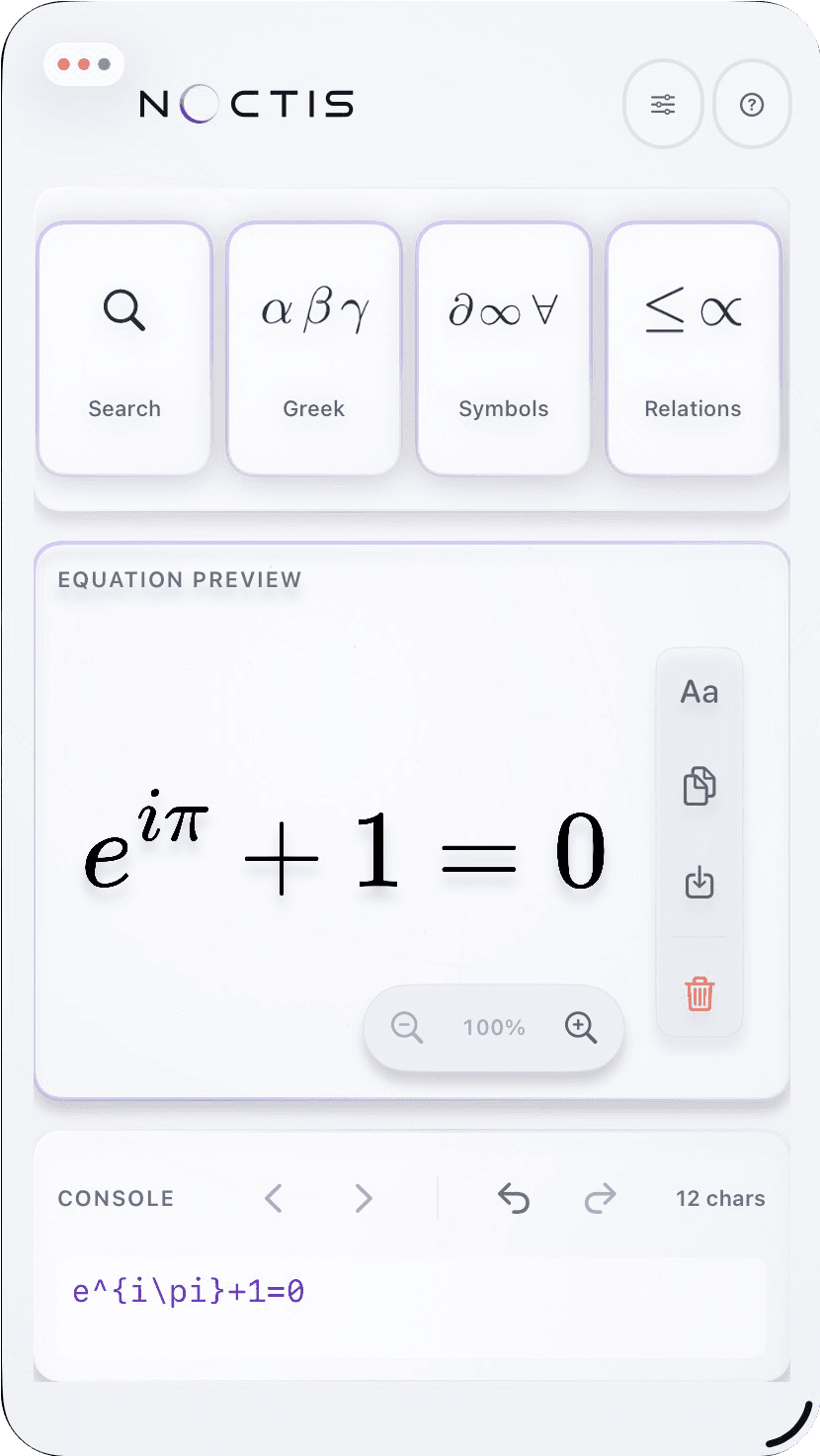
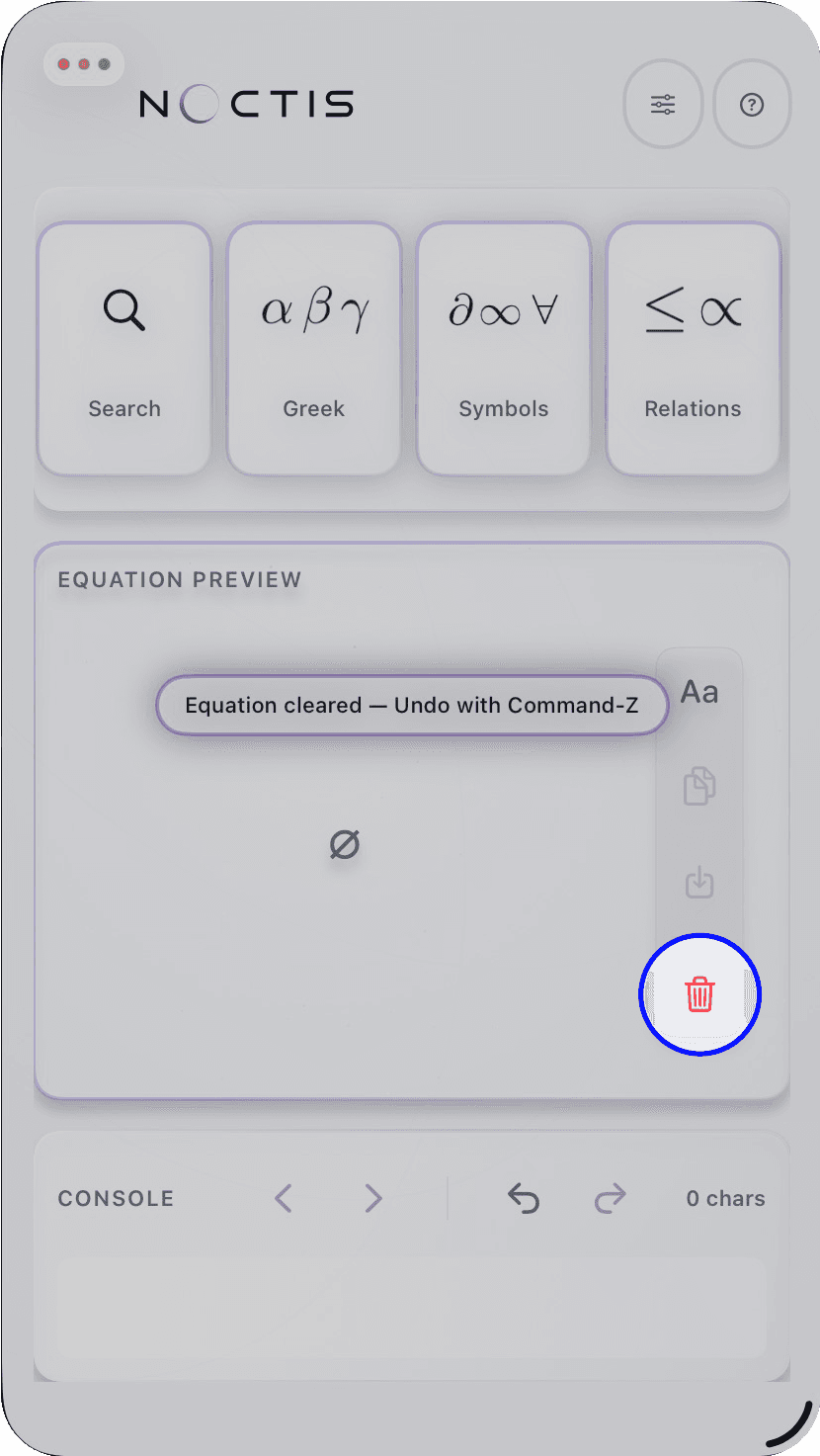
Noctis Equation Studio is a native LaTeX equation editor for iPad and Mac. It opens with a sample equation, so you can see the workspace immediately. Use the trash button on the right-hand export rail whenever you want to start your own equation.
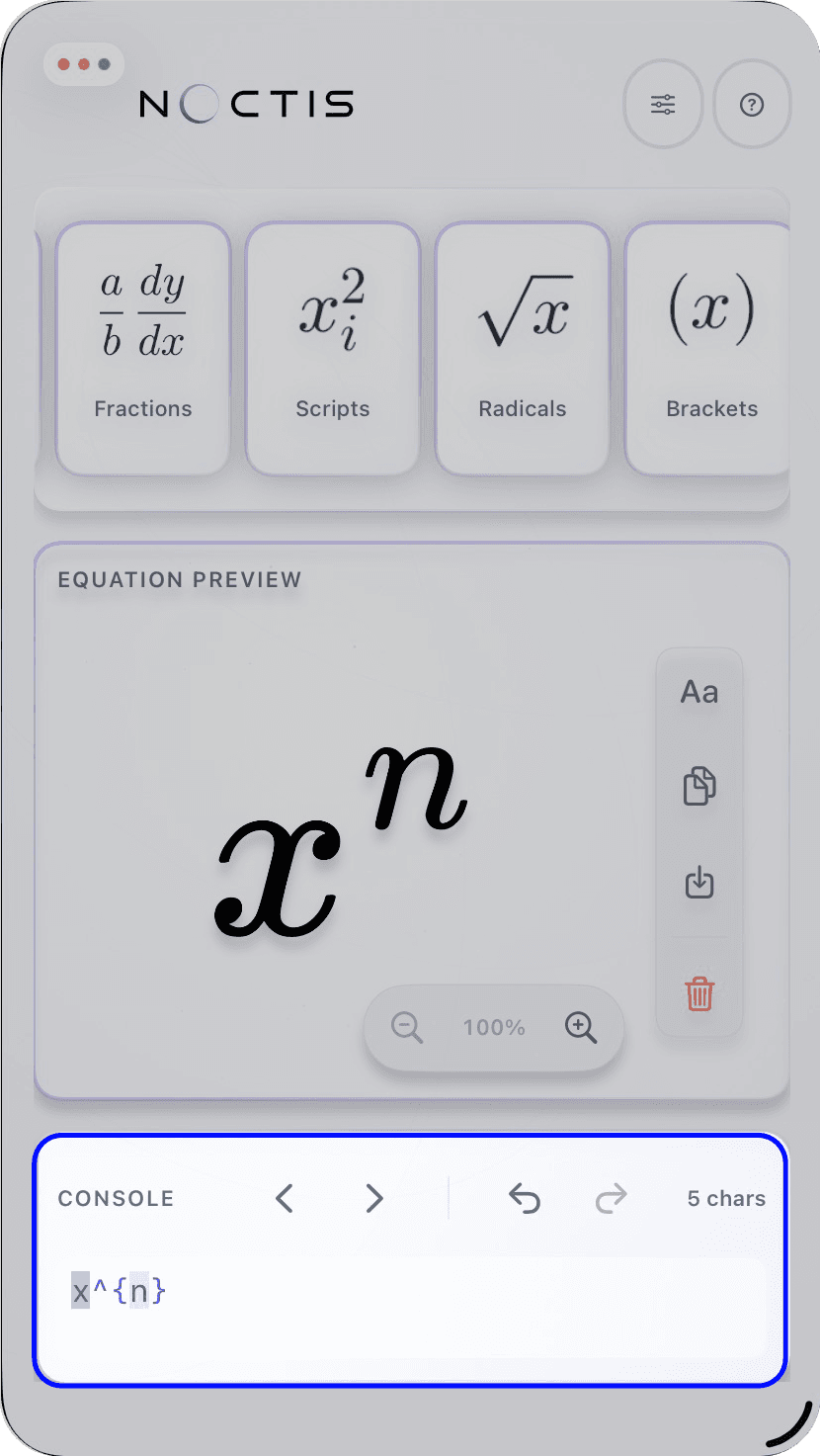
The preview updates as you work, so you can judge the finished shape before you export it.
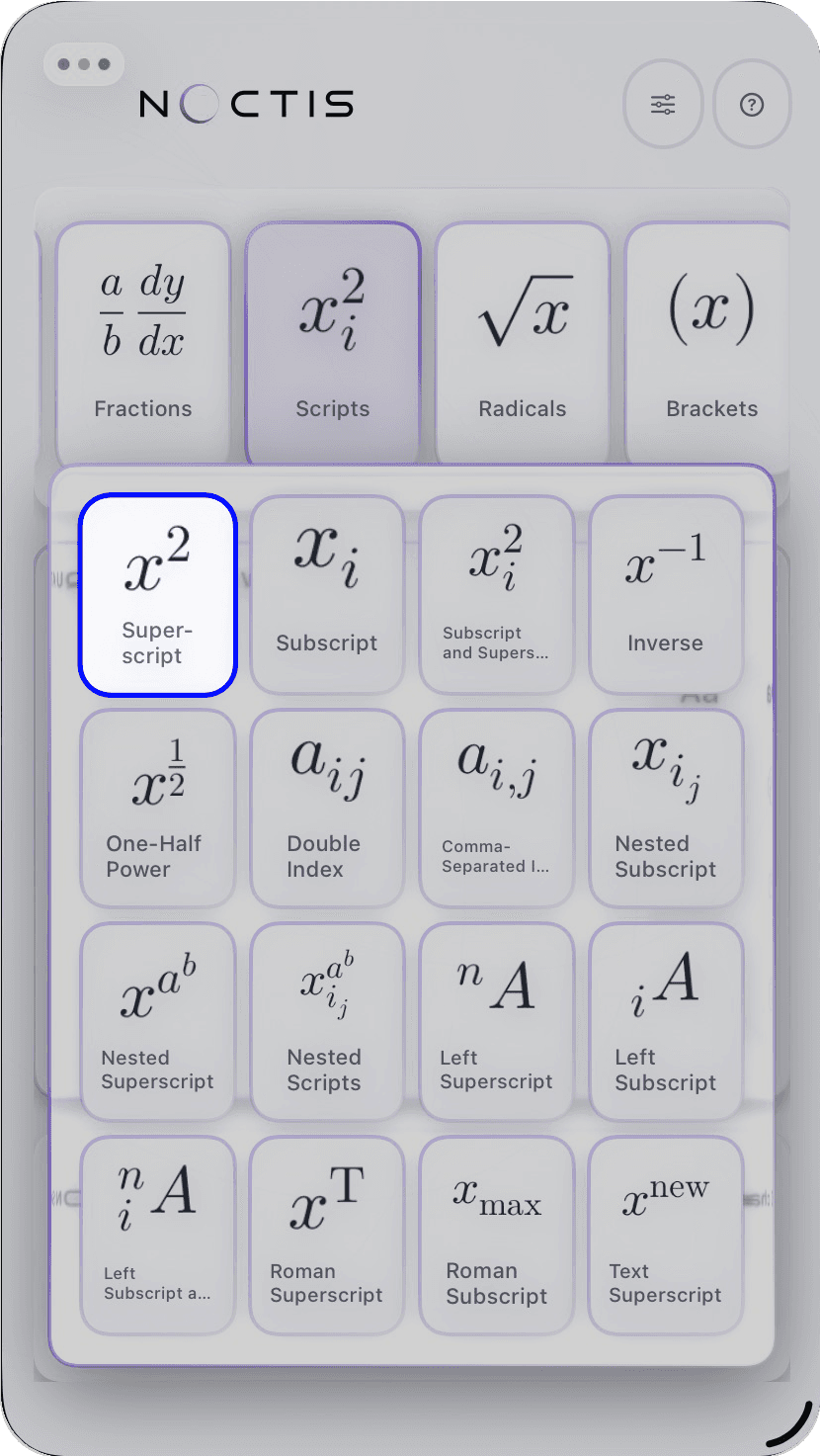
Pick a card, then a command
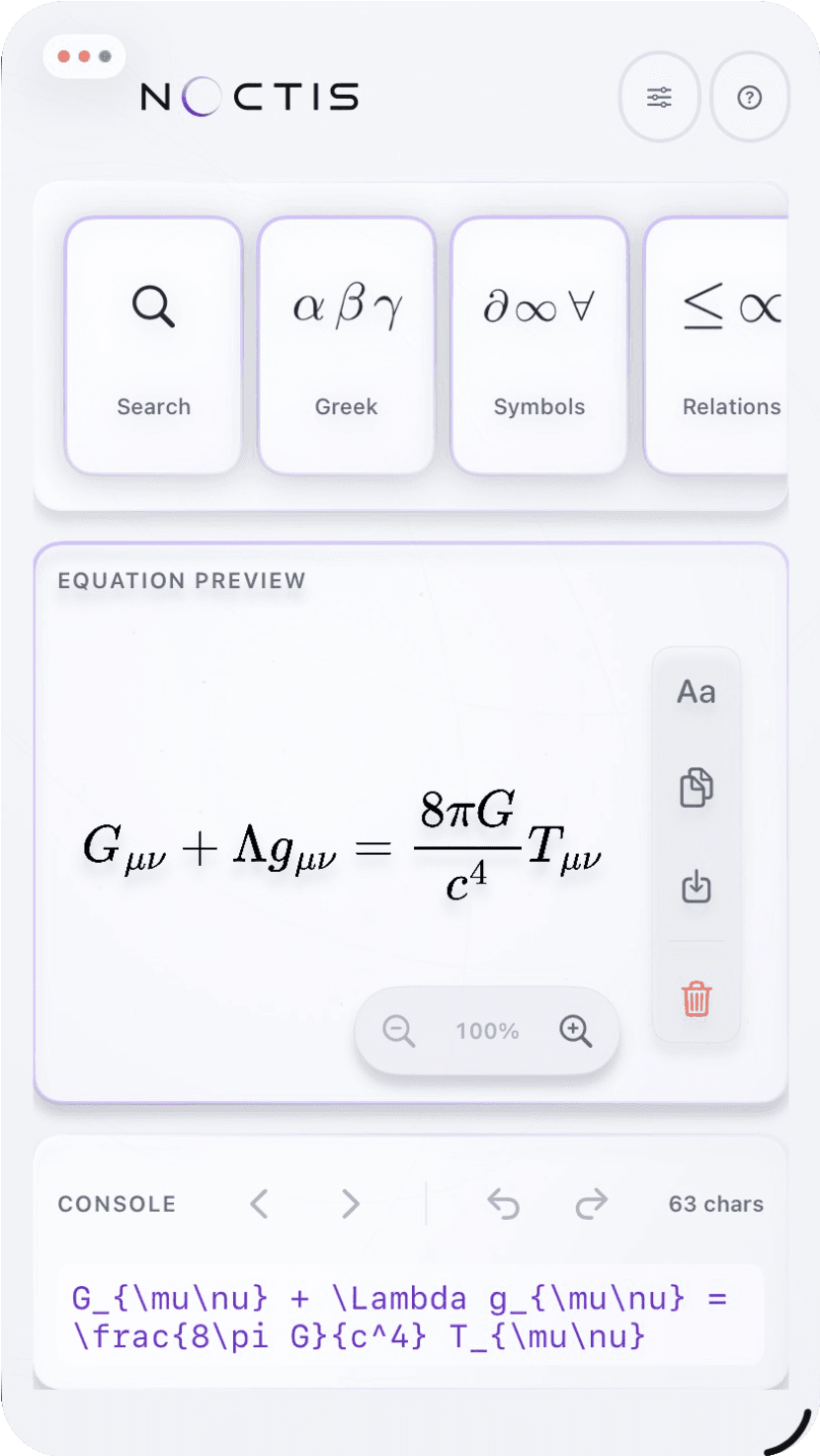
Use the library when you want a structure already assembled. Choose a card to open its flyout, then select the command you need. Type directly in the console when you know the LaTeX you need. Both methods edit the same equation.
- Choose a card to open its command flyout.
- Select the exact command or variant from that flyout.
- Type or refine the LaTeX in the console at any time.
Finish by exporting
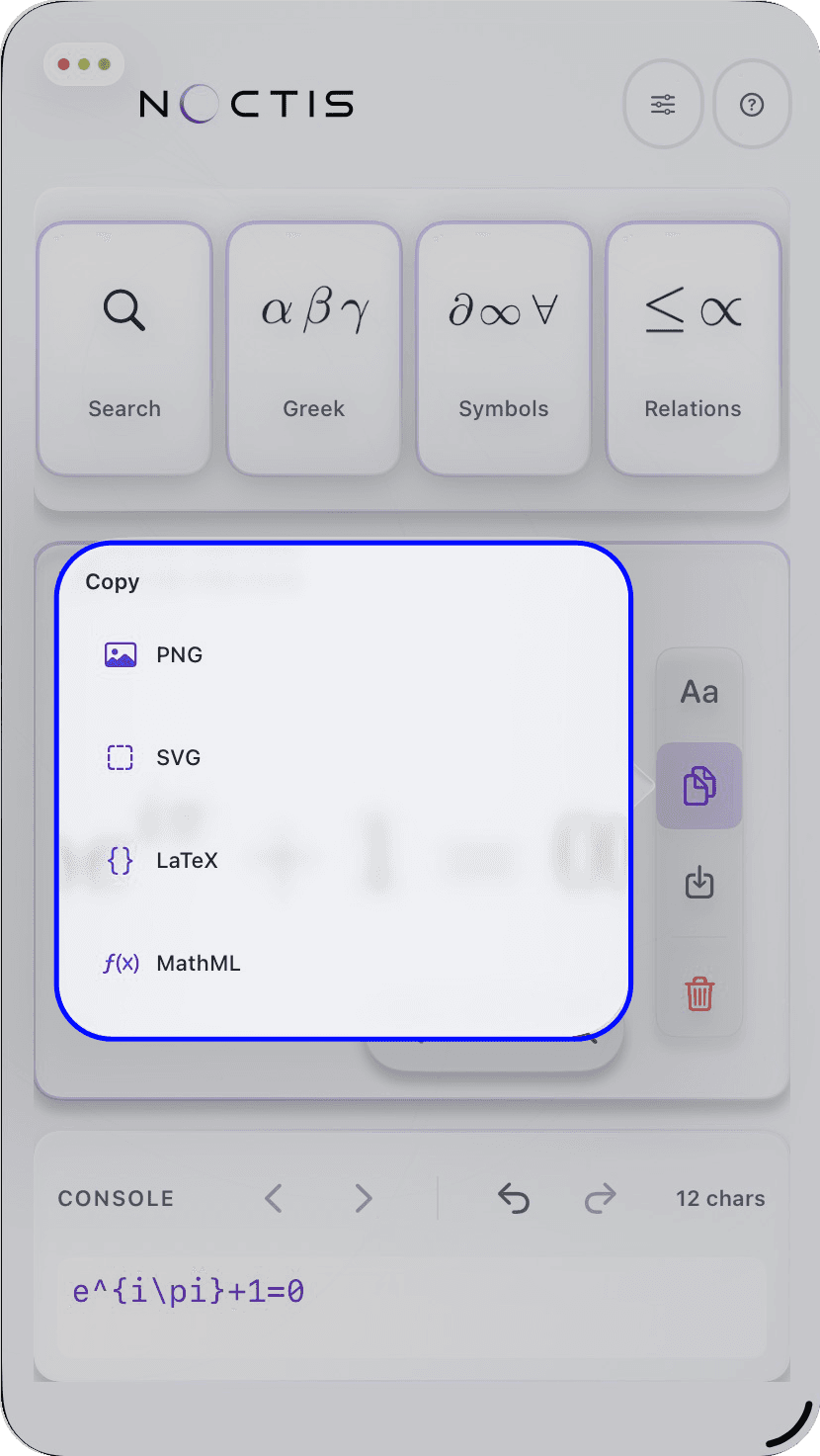
When the equation is ready, use the Copy or Export menus on the right-hand rail. Copy PNG, SVG, MathML, or LaTeX, or save PNG and SVG files. Your work stays on your device while the app is open.