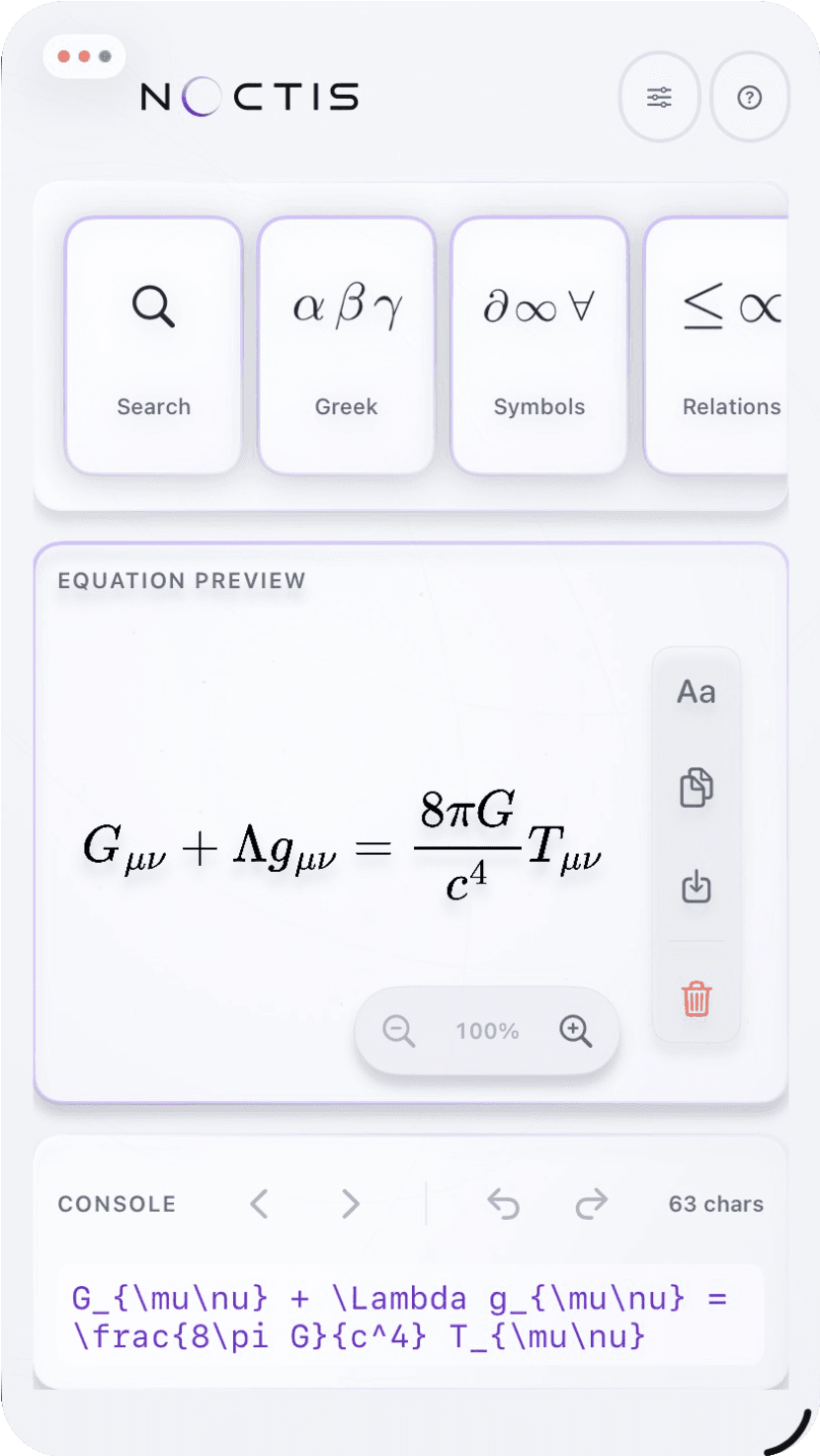
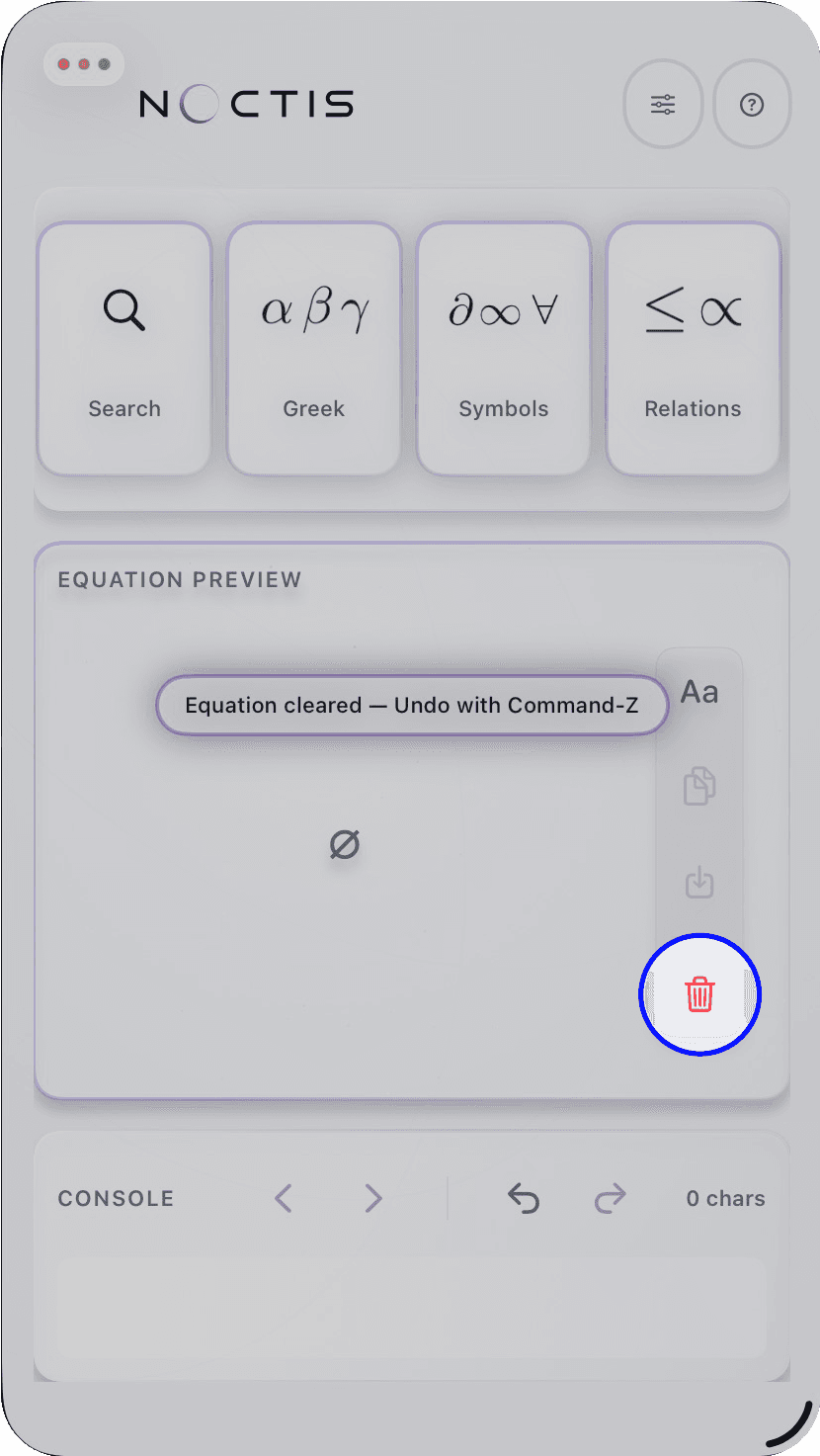
Clear the sample
Equation Studio opens with a sample equation. Use the trash button on the right-hand export rail to clear it before you start your own.
Choose the structure
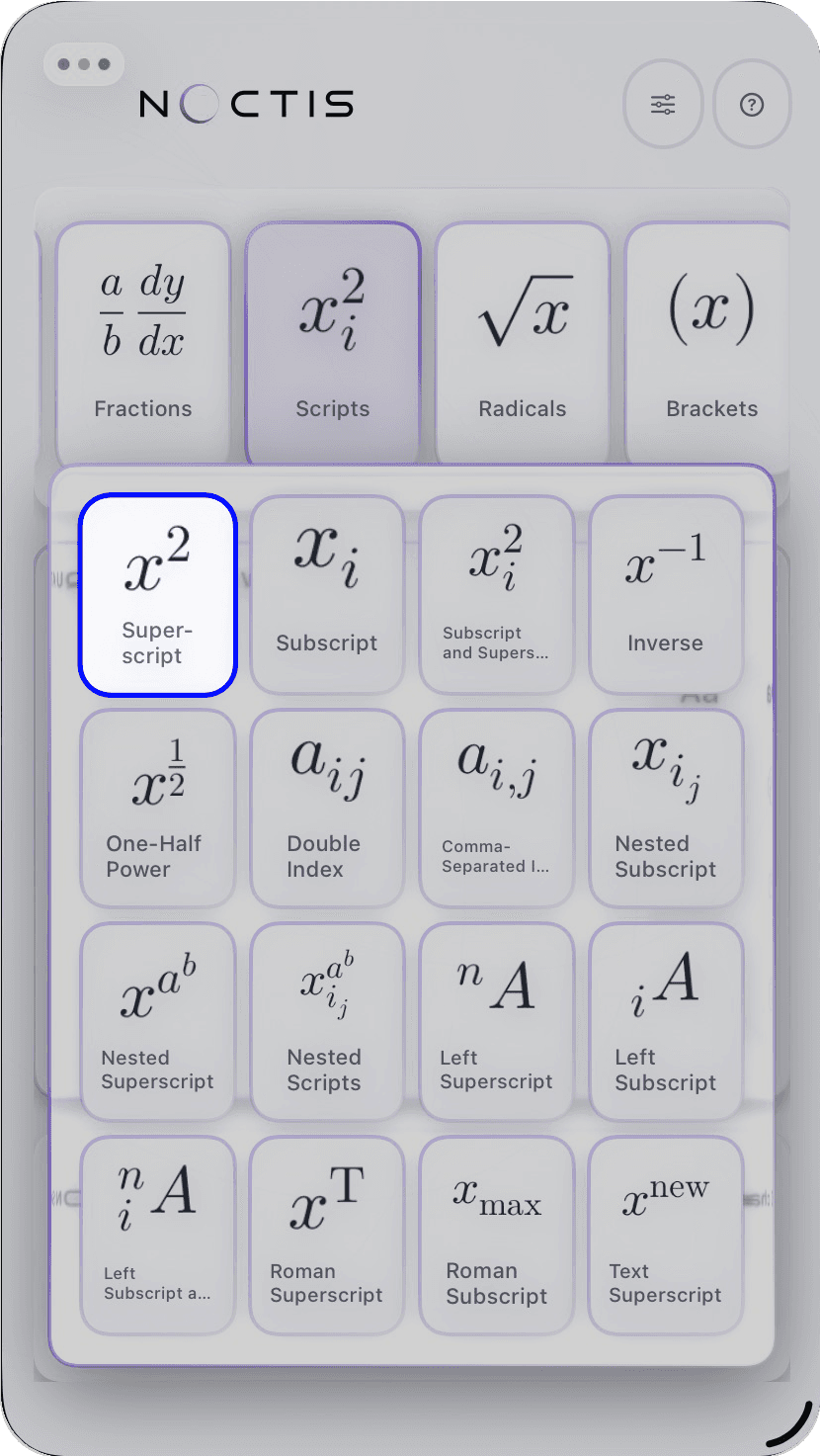
Open the command library, choose a card to open its flyout, then select Fraction. Equation Studio inserts the structure and marks the numerator as the first place to edit.
Fill the expression
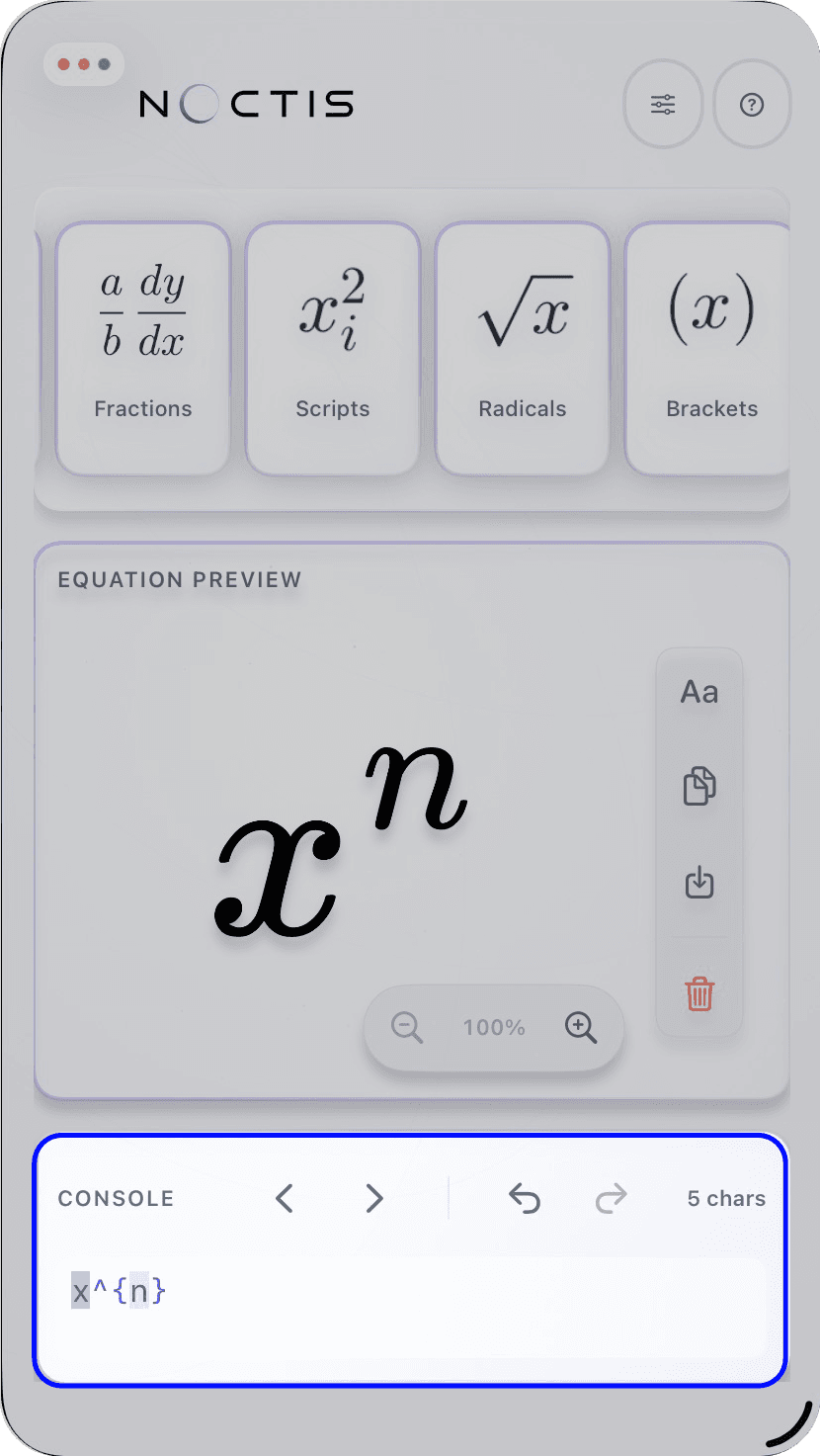
With a physical keyboard, type the numerator, press Tab, then type the denominator. On iPad with the on-screen keyboard, use the next chevron in the console header to move between placeholders. Add another library command or type LaTeX directly if the equation needs more detail.
Inspect and share
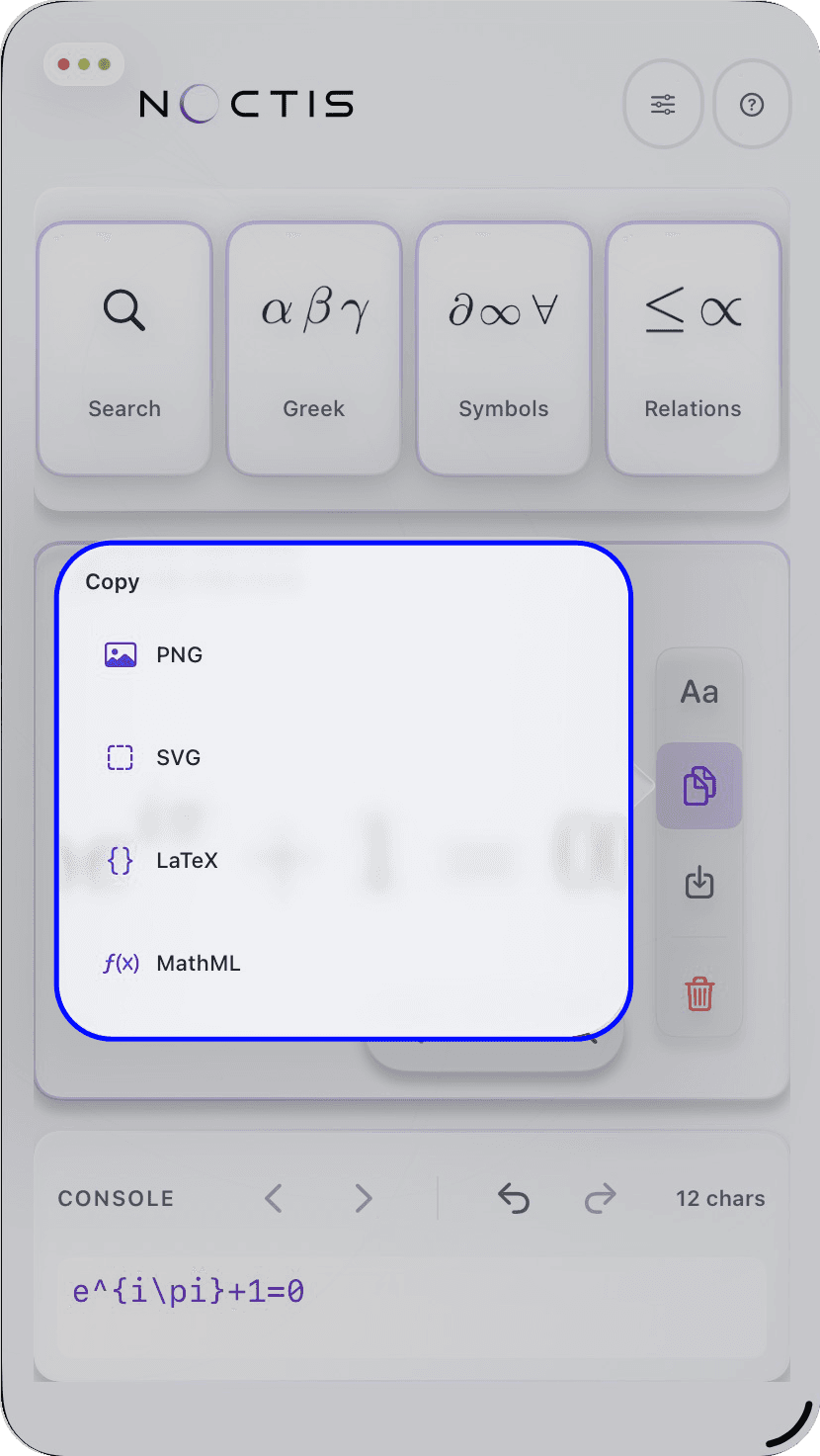
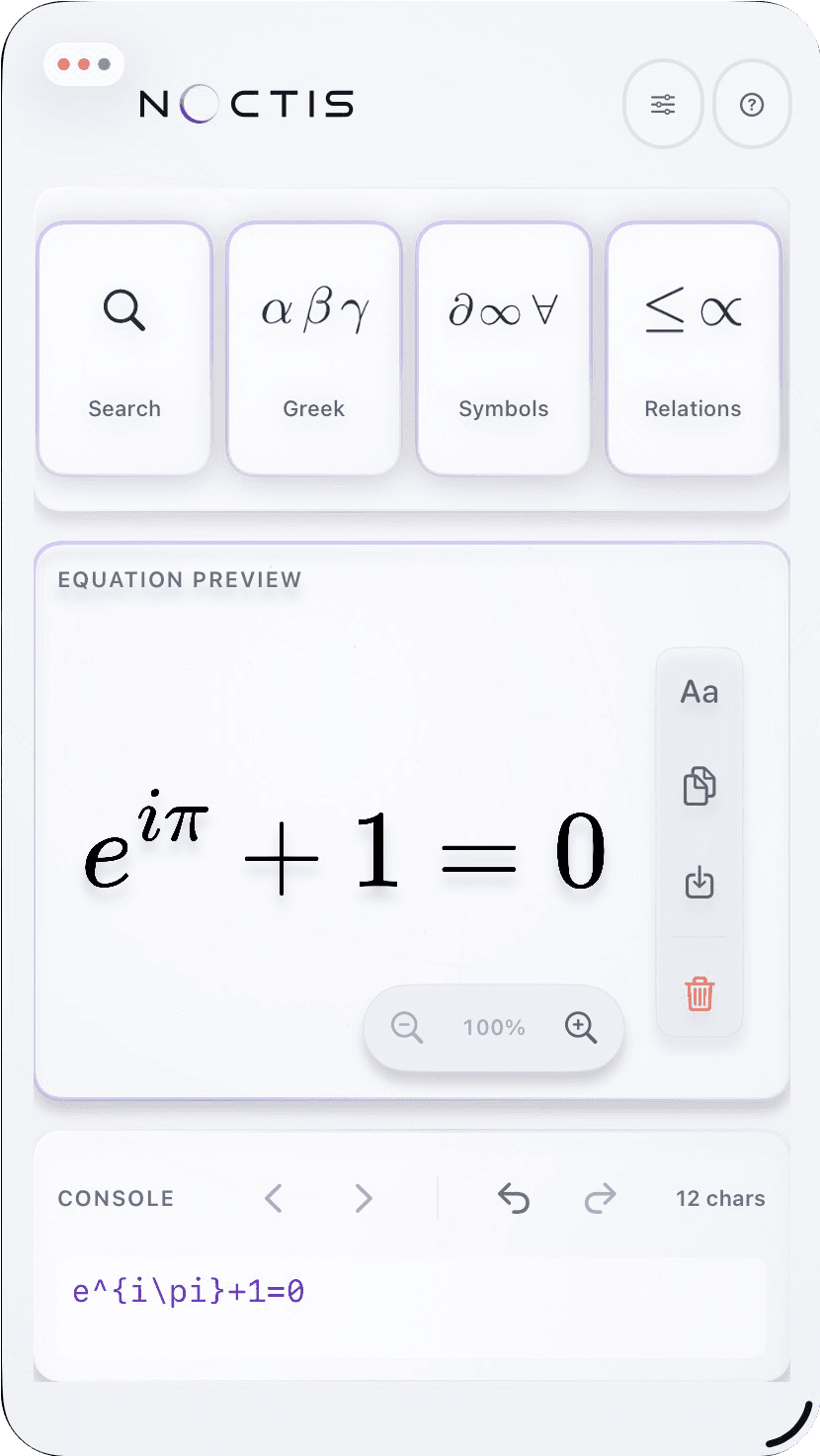
Look at the preview, then open the export rail. Copy the equation or export it in the format your next app needs.